


 Bulk Upload
 Upload with Maxve





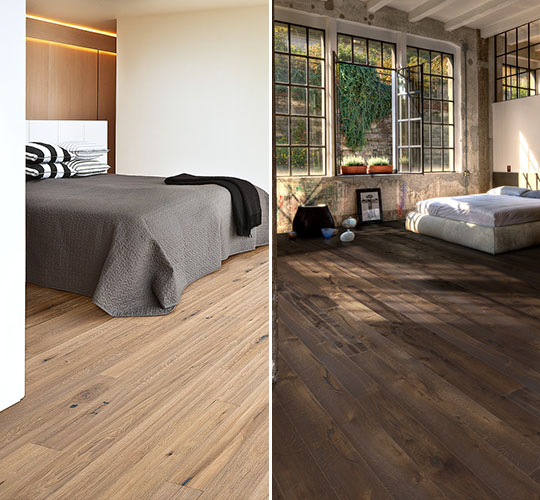
Source: Cg-Source https://cg-source.com/
How to Use: Copy and paste the file MultiTexture_max20xx_ver2.01_32bit.dlt into the following folder:
C:\Program Files\Autodesk\3ds Max 20xx\Plugins
Description: MultiTexture Map is a plugin for 3ds Max that allows you to load multiple textures and assign them randomly, either by object or by Material ID. It also includes controls for randomizing gamma, hue, and saturation values, making it ideal for creating natural variation in materials such as wood flooring, bricks, stones, vegetation, and other repeating textures.
 Version:
 Render:
 Size:
Size: Date:
Date: Style:
 Product ID: